
32 videos
Smart Home
Thermostats, lighting, hubs, sensors, displays, and practical automations that make a connected home easier to live with.
Current written guides

What Can Echo Dot Do? A Guide to the 5th Generation
Get the basics working first: name the Dot, put it in the right room group, link your music service, and make one useful routine. You can do a lot before buying more accessories.

Echo Show 5 Guide: Useful Features and Settings
The Show 5 is most useful when its screen has a clear job: a bedside clock, kitchen timer or quick camera view. Set up that job first, then reduce the home-screen content you don't want.

Echo Show 15 Guide: Dashboard, Photos and Smart Home
Give the big screen a few useful jobs and place it where people will actually see it. Before buying, distinguish the original Show 15 in my video from the second-generation model now linked here.

Alexa Tips and Tricks: Get More From Your Echo
Start with the settings that remove daily friction: shorter responses, a suitable wake word, your preferred music service and sensible privacy controls. Most do not require another purchase.

Echo Show 8 Guide: Features, Setup and Everyday Uses
Start with room groups, your music service and the screen content you actually want. The display earns its space when it saves a trip to your phone for timers, cameras or household information.
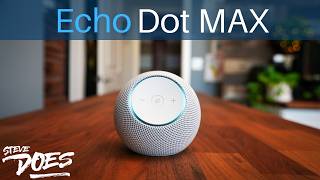
Echo Dot Max Guide: Music, Smart Home and Settings
The Dot Max makes the most sense when you want an audio-first Echo with built-in smart-home connectivity. You still need to check accessory compatibility and the Alexa features offered on your account.
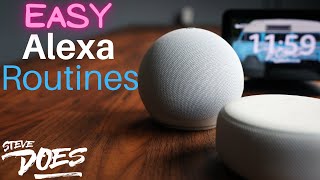
How to Create Alexa Routines: A Beginner’s Guide
Start with one voice trigger and one light or plug. Test the action and trigger separately, then add schedules or sensors only after the basic routine works.

Alexa Privacy Settings: What I Would Check First
Review what Alexa stores, which skills have permission, who can communicate with your devices and whether you want cameras or Sidewalk enabled. Make each choice deliberately rather than switching everything off without understanding the tradeoff.

Vivint Smart Hub Pro 2 System Upgrade
The Smart Hub Pro 2 is the upgrade I notice most because it makes cameras, controls, and doorbell alerts faster and easier to use from the wall. The new outdoor cameras and Spotlight Pro add smarter deterrence, but Vivint still makes the most sense for people who want a professionally installed, monitored system—not a standalone DIY camera.

Govee Permanent Outdoor Lights 2 Pro
For a new permanent-lighting installation, the 2 Pro is the Govee system I would choose. The dual-layer output and flexible wiring make a visible difference, but owners of the original Pro lights do not need to replace a system they already like.

ecobee Smart Thermostat Premium
It is no longer new, but it still delivers nearly everything I want from a premium smart thermostat. The SmartSensor, mature app, air-quality data, and wide compatibility keep it relevant in 2026.
Complete video archive
Every Smart Home video
32 videos · Newest first
2026Everything You Need To Know About Govee Permanent Outdoor Lights 2 Pro
Read the review2026Is the ecobee Smart Thermostat Premium Still Worth Buying?
Read the review 2026
2026A Matter Smart Fan That Finally Fits My Home - DREO TurboPoly Fan 765S
Watch on SteveDOES 2026
2026Full Smart Home Control From Your Fridge!
Watch on SteveDOES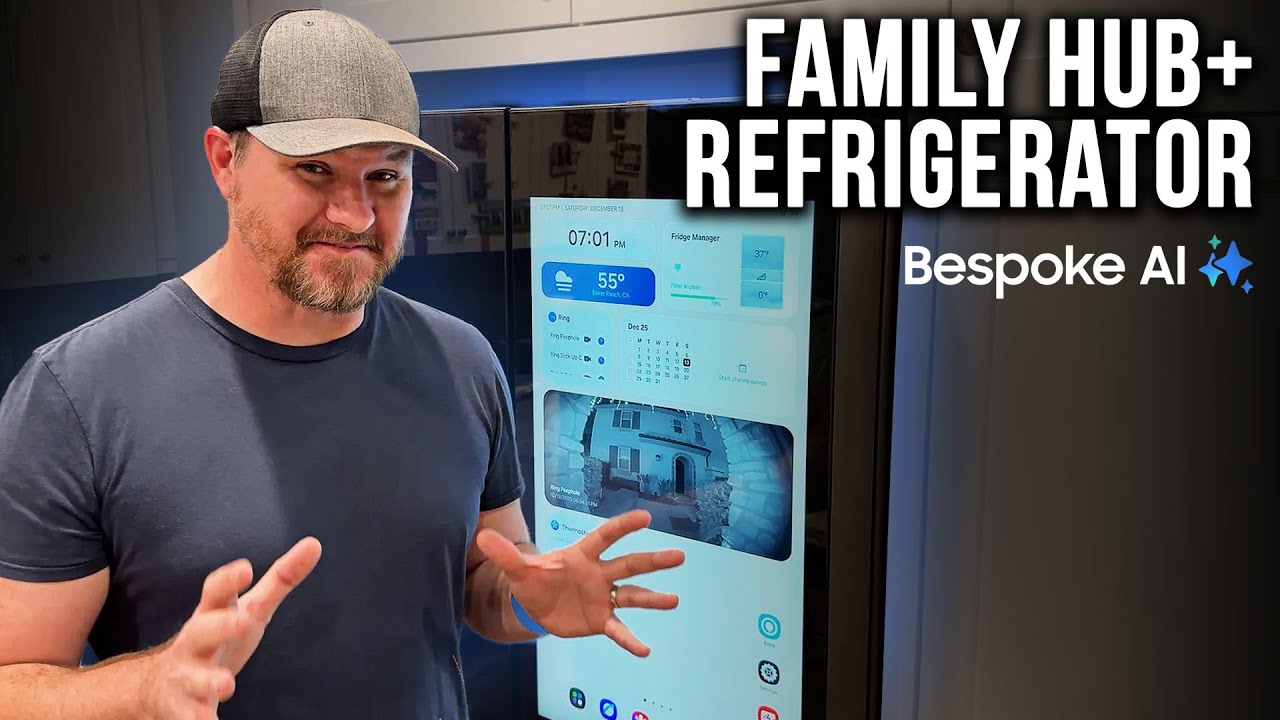 2026
2026How My Fridge Literally Runs My Kitchen - Samsung Family Hub+ Refrigerator
Watch on SteveDOES 2025
2025Transform Your Room Without Renovating — Just Add These! Govee Uplighter & Torchiere Floor Lamp
Watch on SteveDOES 2025
2025I Tested ALL Govee Outdoor Lights – Here's What You Need to Know!
Watch on SteveDOES 2024
2024How to Create a Christmas Light Show with Govee Holiday Lights
Watch on SteveDOES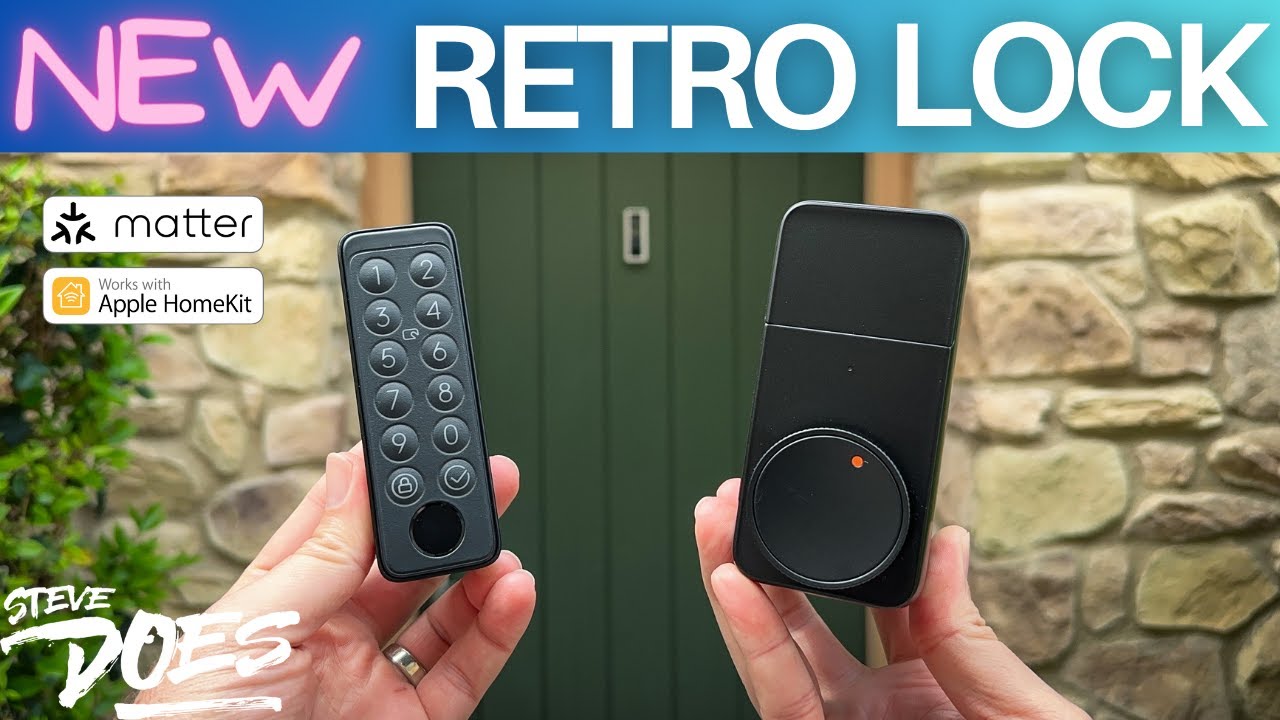 2024
2024SwitchBot Lock Pro Makes Any Door Smart in Seconds
Watch on SteveDOES 2024
2024When Your Smart Home Isn’t So Smart...
Watch on SteveDOES 2024
2024My Ultimate Smart Home Tour 2024!!!
Watch on SteveDOES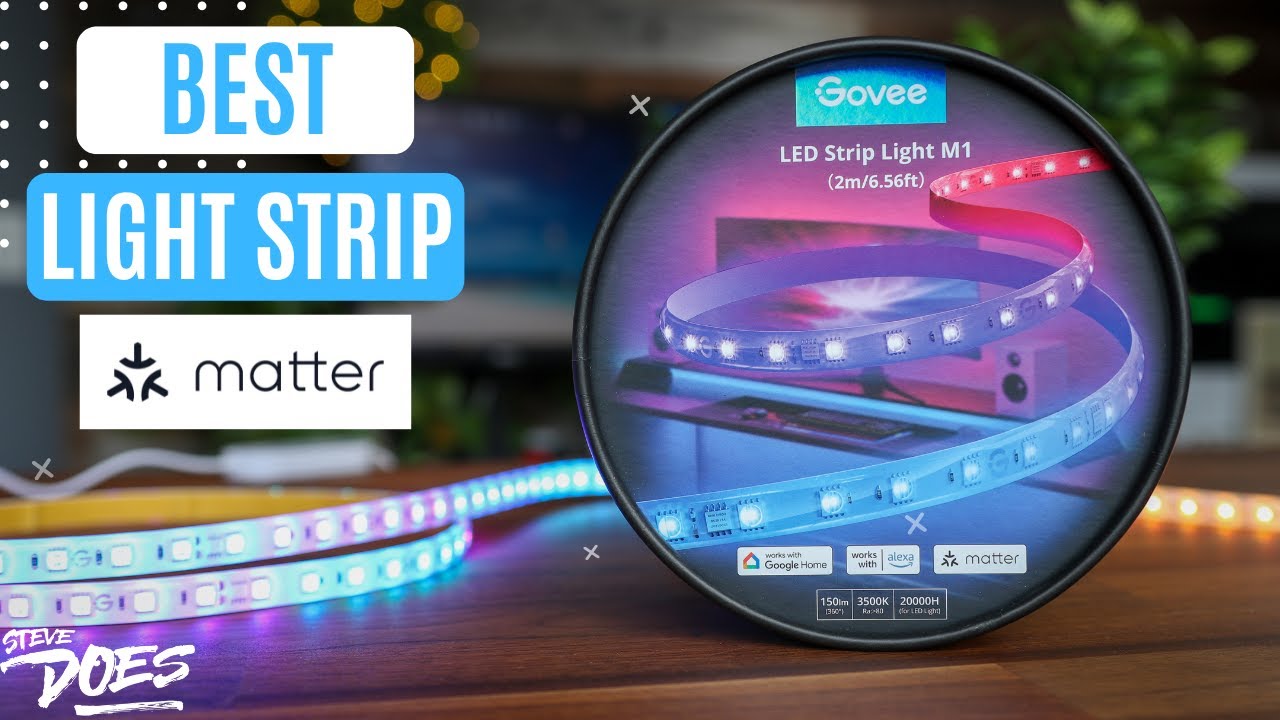 2023
2023Govee M1 Light Strip + Matter
Watch on SteveDOES 2023
2023What Is A Matter Smart Home (Simply Explained)
Watch on SteveDOES 2023
2023Amazon Has Enabled Matter - Now What?
Watch on SteveDOES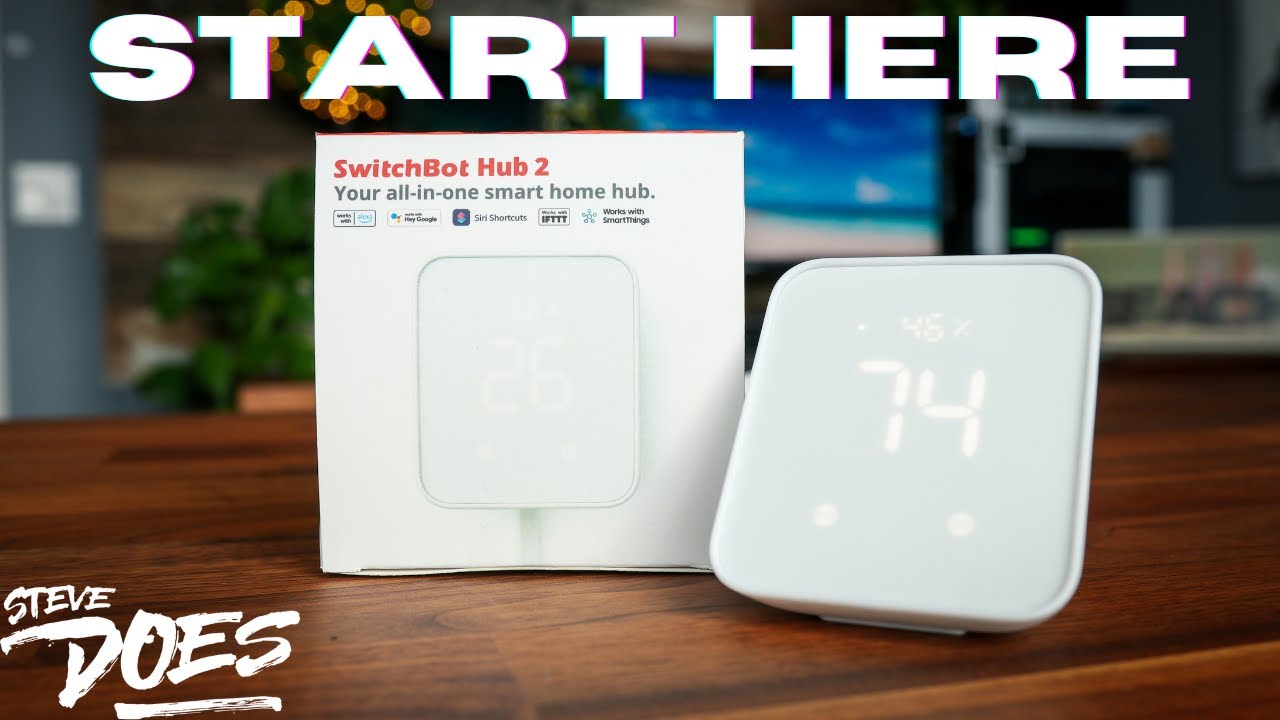 2023
2023Smart Home Just Got Smarter – SwitchBot Hub 2 Review
Watch on SteveDOES 2022
2022Make Your Blinds Smart With The SwitchBot Blind Tilt
Watch on SteveDOES 2022
2022Should You WAIT For Matter? It's Officially Here! (Matter 1.0)
Watch on SteveDOES 2022
2022SwitchBot in Action: Saving Energy & Money in Real Time!
Watch on SteveDOES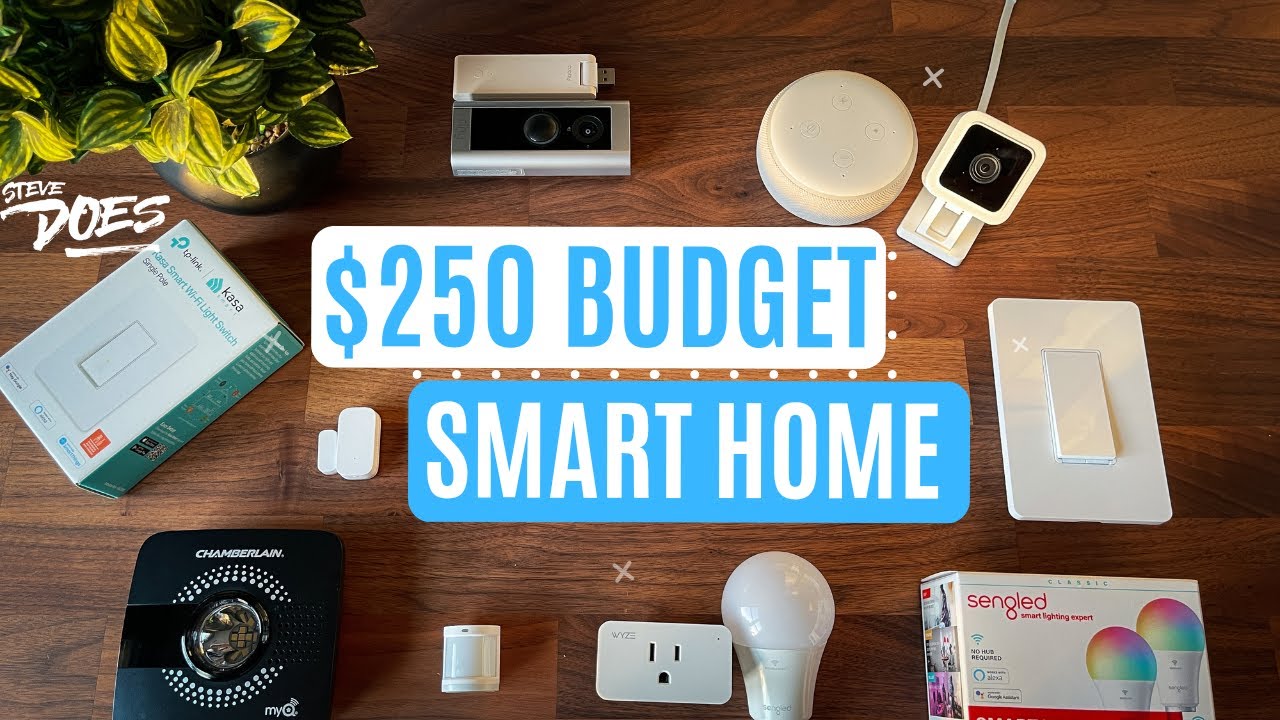 2022
2022Build a Smart Home for Under $250 – Perfect for Beginners!
Watch on SteveDOES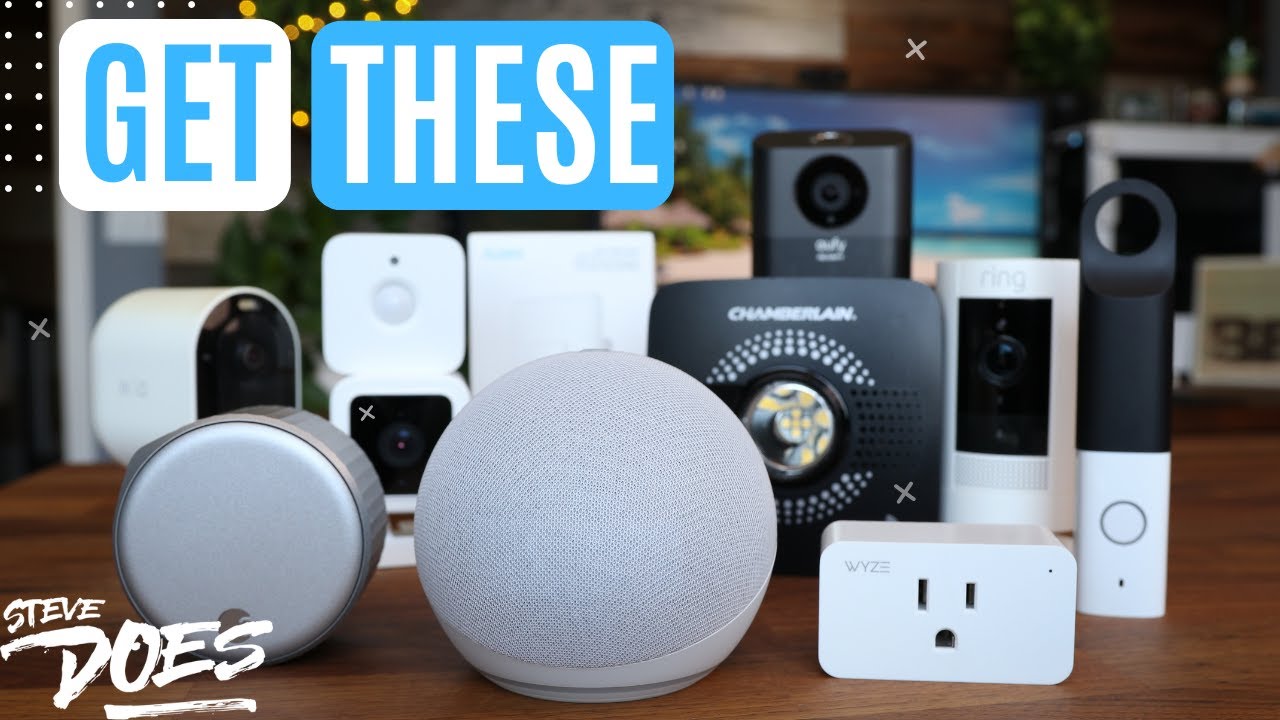 2022
2022My Top Smart Home Devices That Are Actually Worth It
Watch on SteveDOES 2022
2022Smart Home Basics: What You Need to Know First!
Watch on SteveDOES 2022
20223 Smart Home Hacks That Save You Money!
Watch on SteveDOES 2022
2022Add Ceiling Fan to Alexa in 10 Minutes – Smart Home Hack
Watch on SteveDOES 2022
2022CES 2022 BEST Smart Home Tech - AWESOME Gadgets!
Watch on SteveDOES 2021
2021Brighten Up Those Dark Corners Of Your House - Govee Lyra Floor Lamp
Watch on SteveDOES 2021
202120 Smart Home Upgrades for a Cooler, Easier Summer
Watch on SteveDOES 2021
2021CES 2021: 25 Of The BEST Smart Home Products
Watch on SteveDOES 2020
2020Google Nest Thermostat 2020 vs Nest Learning Thermostat
Watch on SteveDOES 2020
2020EVERYTHING You Can Do With The Google Nest Hub
Watch on SteveDOES 2020
2020Colorful Outdoor Lighting Ideas (Smart Home)
Watch on SteveDOES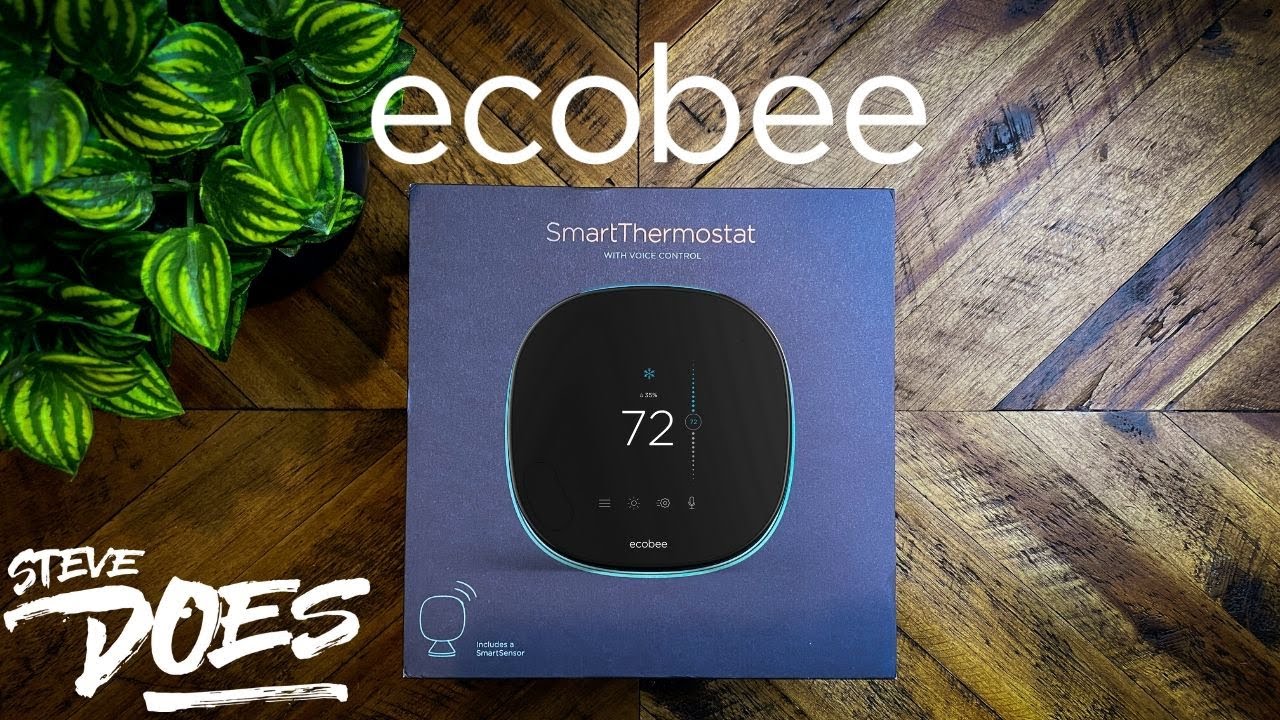 2020
2020Ecobee’s NEW SmartThermostat is Faster, Louder, and Better with Alexa
Watch on SteveDOES 2020
2020