
36 videos
Alexa & Echo Guides
Alexa tips, Echo Dot and Echo Show guides, routines, privacy settings, and practical ways to get more from your Amazon smart home.
Make your Echo useful
Start with the job you want it to do.
My written companions bring together years of Echo walkthroughs. Start with your device, then explore practical routines and settings. Original video dates and hardware generations are identified so an older demonstration does not become a promise about a newer model.
More Smart Home guides →Buying guides
Choose the right Echo for your home
Which Amazon Echo Should You Buy?
Compare Echo Dot, Dot Max and Echo Show by room, budget and purpose, with clear generation labels and links to my hands-on guides.
Explore the Echo buying guide →Written device guides and how-tos

What Can Echo Dot Do? A Guide to the 5th Generation
Get the basics working first: name the Dot, put it in the right room group, link your music service, and make one useful routine. You can do a lot before buying more accessories.

Echo Show 5 Guide: Useful Features and Settings
The Show 5 is most useful when its screen has a clear job: a bedside clock, kitchen timer or quick camera view. Set up that job first, then reduce the home-screen content you don't want.

Echo Show 15 Guide: Dashboard, Photos and Smart Home
Give the big screen a few useful jobs and place it where people will actually see it. Before buying, distinguish the original Show 15 in my video from the second-generation model now linked here.

Alexa Tips and Tricks: Get More From Your Echo
Start with the settings that remove daily friction: shorter responses, a suitable wake word, your preferred music service and sensible privacy controls. Most do not require another purchase.

Echo Show 8 Guide: Features, Setup and Everyday Uses
Start with room groups, your music service and the screen content you actually want. The display earns its space when it saves a trip to your phone for timers, cameras or household information.
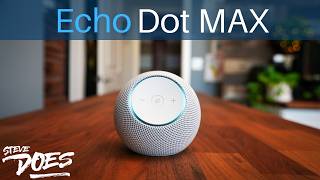
Echo Dot Max Guide: Music, Smart Home and Settings
The Dot Max makes the most sense when you want an audio-first Echo with built-in smart-home connectivity. You still need to check accessory compatibility and the Alexa features offered on your account.
How to Create Alexa Routines: A Beginner’s Guide
Start with one voice trigger and one light or plug. Test the action and trigger separately, then add schedules or sensors only after the basic routine works.

Alexa Privacy Settings: What I Would Check First
Review what Alexa stores, which skills have permission, who can communicate with your devices and whether you want cameras or Sidewalk enabled. Make each choice deliberately rather than switching everything off without understanding the tradeoff.
Complete video archive
Every Alexa & Echo video
36 videos · Newest first
 2026
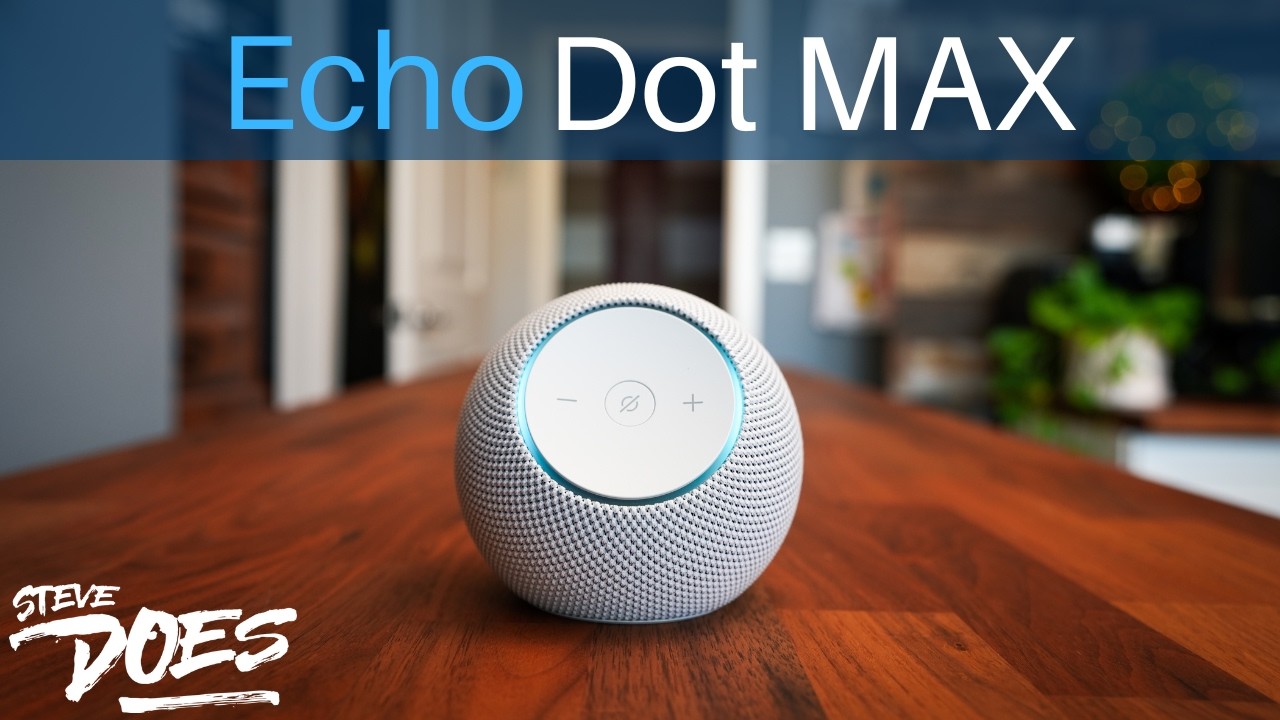
2026Everything You Can Do With The Echo Dot Max!
Read the review 2025
202510 Mind-Blowing Amazon Echo Tricks You Need to Try!
Watch on SteveDOES 2024
2024Amazon Echo Hub Review – The Truth About This Smart Home Dashboard
Watch on SteveDOES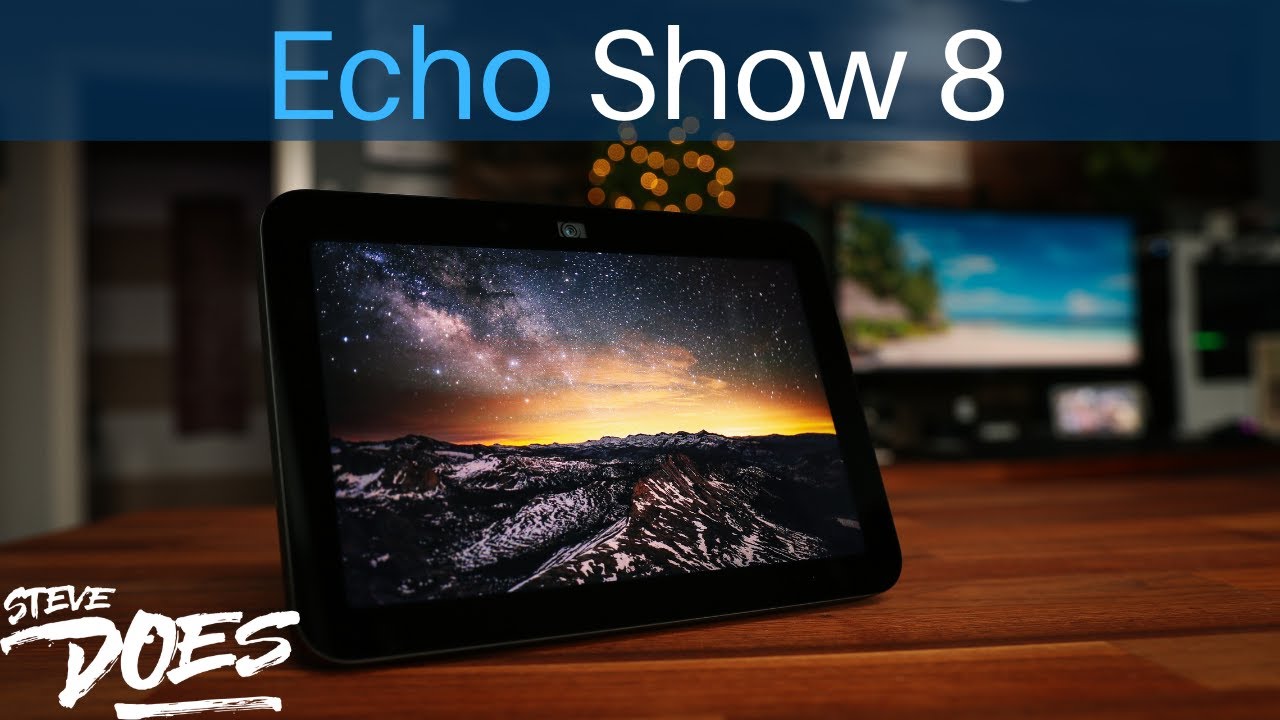 2023
2023EVERYTHING You Can Do With The Echo Show 8
Read the review 2023
2023EVERYTHING You Can Do With The Echo Dot
Read the review 2023
2023Echo POP - Unboxing and First Impressions
Watch on SteveDOES 2023
2023EVERYTHING You Can Do With The Echo Show 5
Read the review 2022
2022Fire TV FREE On Your Echo Show 15
Watch on SteveDOES 2022
2022Amazon Fire TV Cube (3rd Gen) Review | My Favorite Echo Device!!!
Watch on SteveDOES 2022
2022Alexa vs Google Assistant - Essential Smart Voice Assistant Breakdown!
Watch on SteveDOES 2022
2022Watch Your Ring Cameras on Fire TV & Echo Show – Here’s How!
Watch on SteveDOES 2022
2022EVERYTHING You Can Do With The Echo Show 15
Read the review 2022
202212 Alexa Routines to Simplify Your Life
Watch on SteveDOES 2022
2022How to Use Alexa Routines to Make Life Easier
Read the review 2021
202110 BIZARRE Things You Didn’t Know You Could Do With Your Amazon Echo Devices (2022)
Read the review 2021
2021NEW Echo Show 15 - BEYOND Expectations!
Watch on SteveDOES 2021
2021How To Change Alexa's SAVED WiFi Profile
Watch on SteveDOES 2021
2021How To Reset Your Echo Dot (Gen 2, Gen 3, Gen 4)
Watch on SteveDOES 2021
2021Get Your Smart Home Back on Track – Alexa App Fix Guide
Watch on SteveDOES 2021
2021Echo Show 10 - First Impressions... It's Different
Watch on SteveDOES 2020
20207 Alexa Features You Need To Turn OFF Right NOW
Read the review 2020
2020Echo Dot 4th Gen - Is It Worth An Upgrade?
Watch on SteveDOES 2020
20203 Amazon Echo Security Features To Turn On When You Leave The House
Watch on SteveDOES 2020
2020Amazon Echo Loop - BEYOND My Expectations
Watch on SteveDOES 2019
201910 SURPRISING things you didn’t know you could do with your Amazon Echo Device
Read the review 2019
2019This is why the Echo Flex exists
Watch on SteveDOES 2019
2019My 5 FAVORITE Amazon Echo and Alexa features
Watch on SteveDOES 2019
20198 Things NO ONE is talking about with the ECHO SHOW 5
Watch on SteveDOES 2019
20197 cool things to do with the Echo Show 2nd Gen
Watch on SteveDOES 2019
2019How to Connect Any Device to Your Amazon Echo!
Watch on SteveDOES 2018
2018Amazon Echo Plus 2nd Gen - One Device to RULE them ALL?
Watch on SteveDOES 2018
2018NEW Amazon Alexa App - Smart Home Tab (2018 update)
Watch on SteveDOES 2018
2018This HAS to be your FIRST Echo Dot Accessory
Watch on SteveDOES 2018
2018Alexa, FIND My Phone
Watch on SteveDOES 2017
20173 Must Have Accessories for the Echo Dot
Watch on SteveDOES 2017
2017